Getting Started
System Requirements
- Windows: Windows 11 (64-bit)
- macOS: macOS 11 (Big Sur) or later
- Storage: Adequate space for input/output files
All necessary processing tools are bundled with the app—no additional software required.
First Launch
When you first open FlowBatch, you'll see the workflow editor with an empty canvas. You're ready to start building workflows immediately—all media processing tools are pre-configured and bundled with the app.
Interface Overview
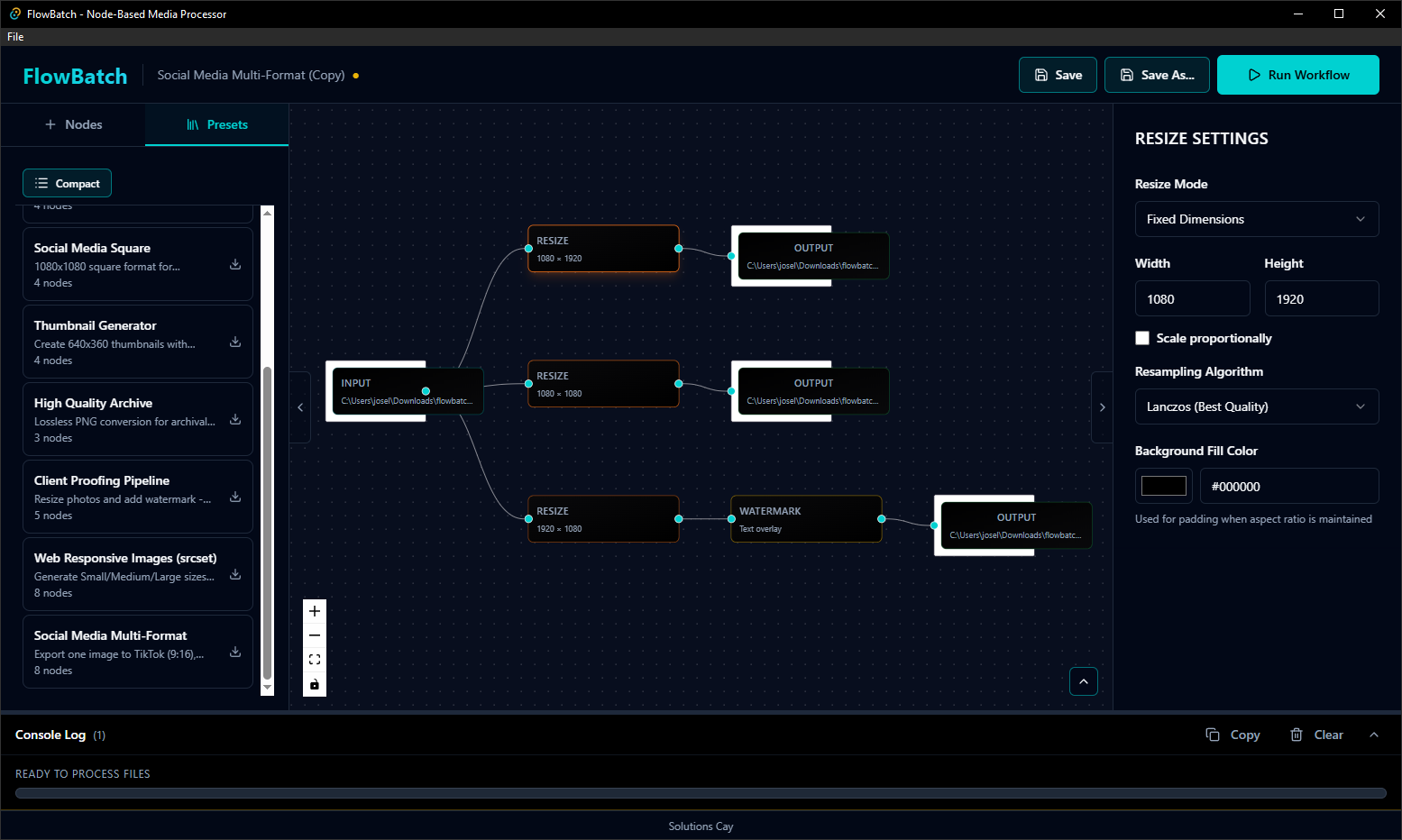
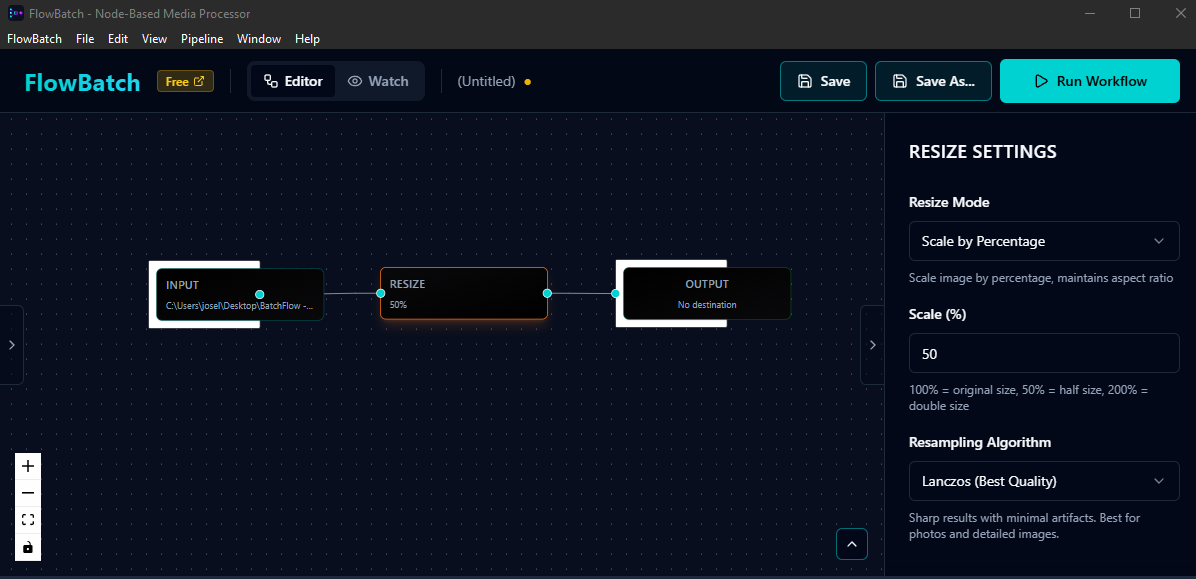
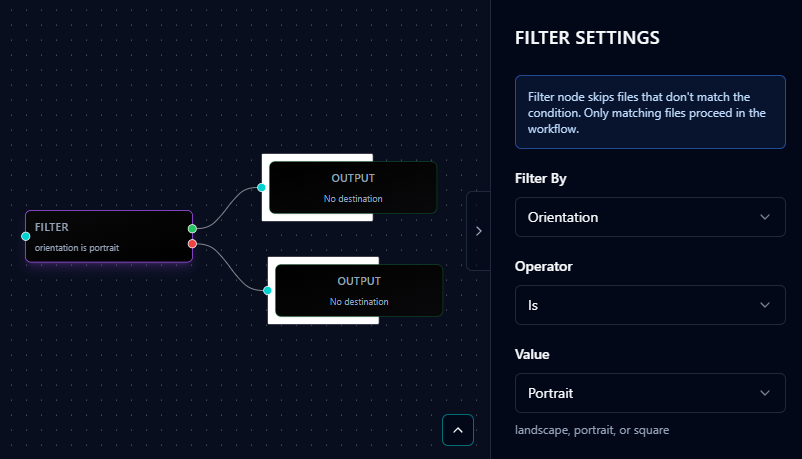
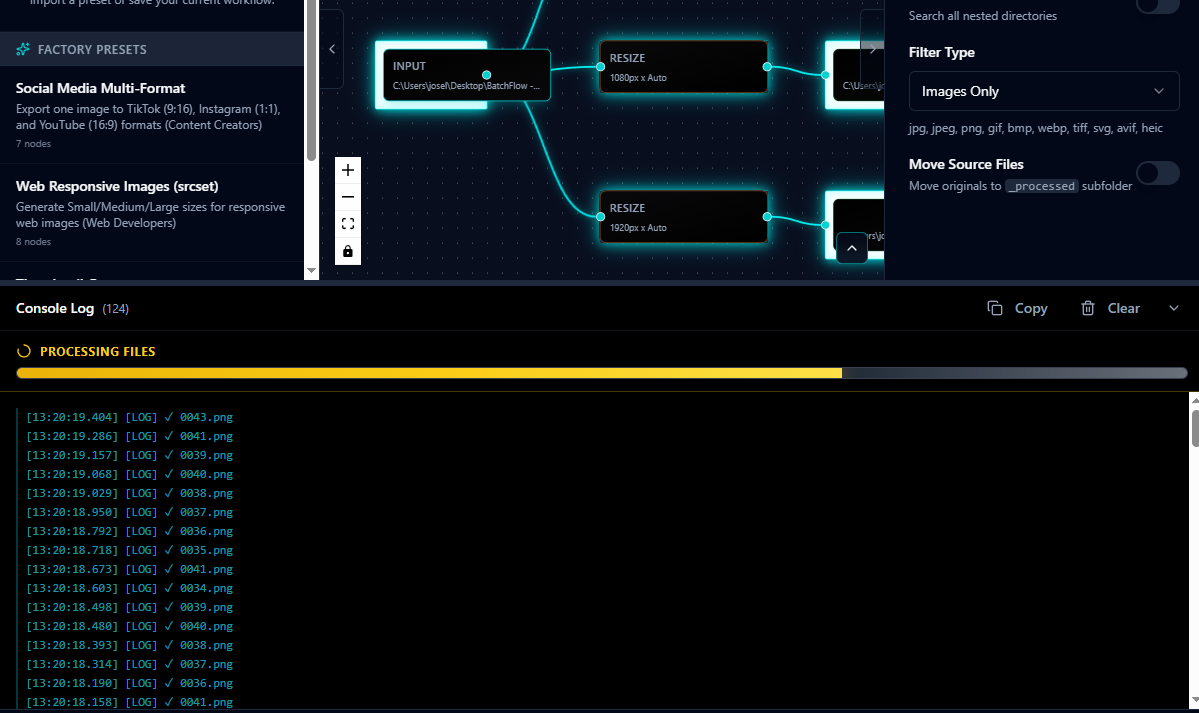
- Canvas: Central area where you build workflows by dragging and connecting nodes
- Toolbar: Top menu with File, Presets, and Help options
- Node Panel: Left sidebar with available node types (Input, Output, Resize, etc.)
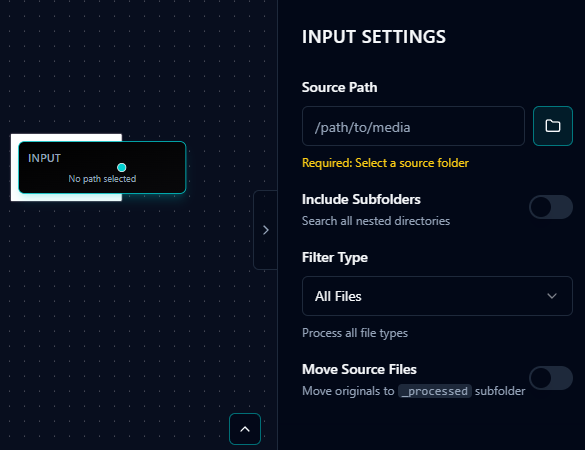
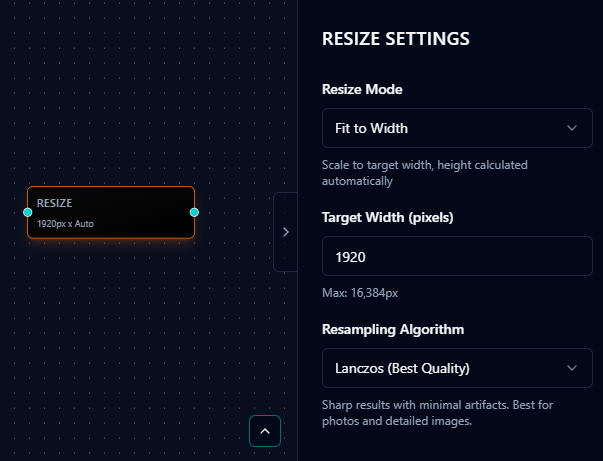
- Properties Panel: Right sidebar showing configuration for selected node
- Action Buttons: Top controls for running workflows and managing processing